
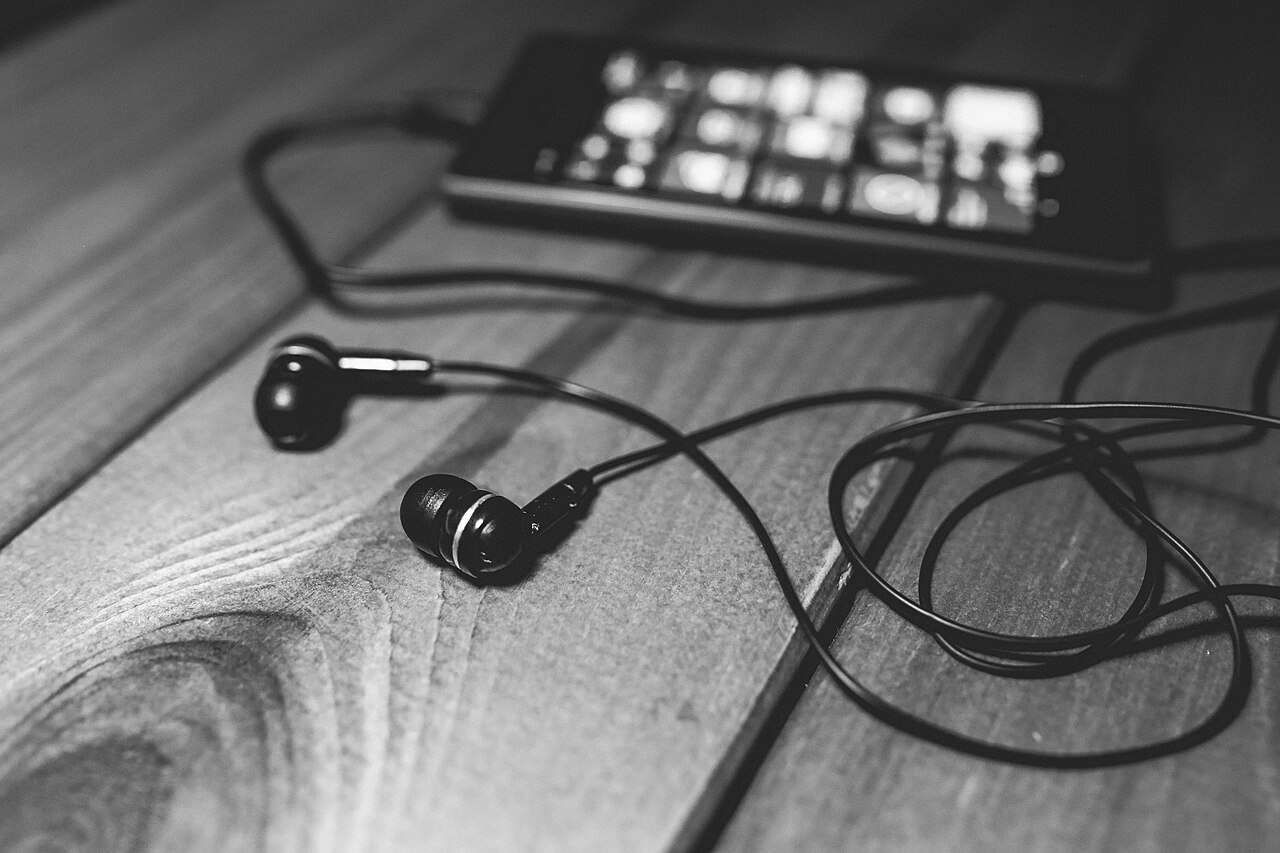
A practical buyer’s guide for parents picking headphones for online school, focused on safe listening, comfortable fit for long class days and reliable microphones, with no brand recommendations.
Quick takeaways
- Hearing damage from loud sound is permanent, so keep listening volume at half or lower and build in breaks every hour.
- Sound at 70 dBA or lower is safe for any length of time, but earbuds and headphones can reach 100 dBA or more.
- Labels like kid safe do not guarantee safe volume levels, so verify the limit yourself and read reviews before buying.
- A child’s hearing system keeps developing into the teen years, so even a slight loss can cause missed directions in class.
- Wired models avoid charging and pairing problems, while wireless models cost more and need a battery that lasts the school day.
Headphones get more daily use in online school than almost any other piece of gear, yet they are often grabbed at the last minute from an electronics aisle. A poor choice can mean a teacher who cannot hear your child, lessons interrupted by a dead battery, or volume levels that put hearing at risk. This guide walks through the features that matter most, so you can match a pair to your child’s age, classes and budget.
Why Headphones Matter for Online School
Live classes, recorded lessons and group projects all run on clear audio. Headphones keep sound consistent, block household noise and stop a child from playing lessons over speakers that distract everyone else in the house. Where your child works matters too; our guide to setting up a home learning space for online school covers how to cut down on background noise before it ever reaches your child’s ears.
The hearing stakes are real. Noise-induced hearing loss is preventable, but once it occurs it is irreversible. The Centers for Disease Control and Prevention estimates that 12.5% of children and adolescents ages 6 to 19 in the United States have hearing loss from exposure to loud noise. The American Speech-Language-Hearing Association (ASHA) reports that among middle and high school students, somewhere between one in six and one in eight show measurable hearing loss that appears to come from noise exposure.
Children are more vulnerable than adults for two reasons. Their auditory system is not fully developed until late adolescence, and their smaller ear canals change how sound behaves in their ears. A slight loss of hearing can be enough for a student to miss directions and classroom cues, and over time that can make it hard to keep up with lessons.
Safe Listening and Volume Limits
The single most important feature is not on the box. It is how loud your child listens. ASHA treats 70 decibels or lower as a safe listening level, roughly the volume of a typical group conversation, and says sound at that level stays safe no matter how long someone listens. For children specifically, a safe volume is generally 70 to 75 dBA.
Headphones and earbuds can reach 100 dBA or more. The louder the sound, the less time it takes to cause harm. At 100 dBA, damage can happen in 15 minutes or less. The CDC’s workplace noise guidance offers useful reference points for parents: at around 85 dBA, you have to raise your voice for a person three feet away to hear you, and at 95 dBA you would have to shout to be understood at that distance. If your child has to raise their voice to talk to you while wearing headphones, the volume is too high.
| Sound level | What it sounds like | Risk time |
|---|---|---|
| 70 dBA | A typical group conversation | Safe for any length of time |
| 85 dBA | You have to raise your voice for someone 3 feet away to hear you | About 8 hours under NIOSH limits |
| 95 dBA | You have to shout to be understood at arm’s length | Less than an hour |
| 100 dBA or more | Earbuds or headphones at high volume, concerts | 15 minutes or less |
Here is how to put those numbers into practice:
- Follow the half-volume rule. ASHA advises adults to stay on top of the volume for children of every age and keep devices at half volume or less.
- Set a device limit. Many smartphones and tablets let you cap the volume output of the device itself or of paired accessories. Look in the settings area of the device your child uses for school.
- Take breaks. ASHA recommends a listening break every hour, even if it lasts only a few minutes.
- Verify, do not trust labels. ASHA warns that headphones sold with kid-safe claims do not always limit volume to safe levels. Read customer reviews for volume complaints before you buy, and test the pair yourself.
- Measure if you are unsure. A sound level meter app, such as the one NIOSH offers, can give you a rough reading of the volume at your child’s ears.
Helpful tip
ASHA also asks parents to set an example. Keep your own volume at half, take breaks and let your child watch you do it, because children copy the habits they see more than the rules they hear.
Over-Ear, On-Ear and Earbuds: Which Fit for Which Age
All three styles can work, but each has trade-offs that matter more for some ages than others.
Over-ear models have cushioned cups that sit around the ear rather than on it. That design spreads pressure over a larger area, which helps during long class days, and the cup keeps the speaker farther from the ear canal than an earbud does. For elementary students, over-ear pairs are usually the easiest for parents to supervise and the hardest to lose.
On-ear models rest directly on the ear. They are smaller and lighter than over-ear pairs, which helps younger heads, but the pressure sits on a smaller spot and can grow uncomfortable over a full school day. Students who wear glasses sometimes find on-ear cups press the arms of their frames into their temples.
Earbuds sit inside the ear canal. They are convenient for older students, but they deliver sound very close to the eardrum, and ASHA notes that children’s smaller ear canals and developing auditory systems put them at particular risk from loud sound. A poor seal also makes listeners crank the volume up to hear over background noise. For young children, who may not recognize that something is too loud or be able to adjust it themselves, earbuds are harder to manage safely.
One caution about blocking noise: some isolation helps a student hear a lesson at a lower volume, but too much can leave a child feeling shut off from the room and unaware of what is happening around them. Noise-canceling features can help mask household sounds so the lesson does not need to compete with them, which may let your child listen at a lower volume.
Do You Need a Built-In Microphone?
If your child only watches recorded lessons, no. If they attend live classes, discussion groups or tutoring sessions, a microphone is part of the basic setup, because the teacher needs to hear them as clearly as they hear the teacher.
A laptop’s built-in microphone sits far from your child’s mouth and picks up keyboard clicks, siblings and whatever else is happening in the room. A microphone built into the headphones, especially one on a boom that sits near the mouth, gives the teacher a cleaner signal. Inline microphones on the cord are a middle option, but a boom mic generally places the pickup closer to where it should be.
Before classes start, record a short audio or video clip of your child speaking through the headphones and play it back. You will hear in thirty seconds whether their voice comes through clearly. Also check whether the school’s platform has its own requirements or recommendations for audio equipment, and ask the teacher if anything is unclear.
Wired vs. Wireless: Reliability, Battery and Cost
Both types work for online school. The differences show up in daily habits.
Wired headphones plug in and work. There is no battery to charge, no pairing process and nothing to forget the night before class. They are usually the least expensive option, which matters if you are replacing a pair a younger child has snapped or yanked. The trade-offs are the cord itself, which can snag on chair arms and wear out at the plug, and being tethered to the device.
Wireless headphones free a student to move around, stand during a lesson or take notes away from the desk. But they add three responsibilities: keeping the battery charged, keeping the Bluetooth connection paired and remembering to bring them to class. A pair that dies in the middle of a live lesson creates exactly the kind of disruption online school does not need. Wireless models also generally cost more than comparable wired ones.
A reasonable pattern many families land on: wired for younger children, where reliability beats flexibility, and wireless for older students who can manage a charging routine. If you are budgeting the whole setup at once, our article on mistakes to avoid when buying a student laptop can help you decide where the money is best spent across devices and accessories.
Comfort Features for Long Class Days
A student in online school may wear headphones for several hours a day, so comfort is not a luxury feature. Look for a padded headband, cushions soft enough to wear through back-to-back classes and an adjustable band that lets the pair grow with your child. Lighter headphones put less strain on the neck, and cups that swivel can relieve pressure points.
Comfort also depends on habits. ASHA’s advice to take a listening break every hour helps ears and heads alike, and it pairs naturally with the way families manage screen time when school is online. If your child wears glasses, have them try the fit with frames on. Durability counts as well: reinforced cords, a sturdy hinge and replaceable ear pads extend the life of a pair that gets stuffed into a backpack daily.
A Simple Checklist Before You Buy
Run through this list before you pay:
- Volume can be capped at half or lower, either on the headphones or in the device’s settings.
- Customer reviews mention nothing about the pair running loud, and ASHA’s warning about kid-safe claims is on your radar.
- The style fits your child’s age: over-ear for most elementary students, earbuds only for older kids who can manage volume themselves.
- A microphone is included and positioned near the mouth if your child attends live classes.
- You have chosen wired or wireless based on your child’s habits, not just the price tag or a feature sheet.
- The headband adjusts and the cups are comfortable over glasses.
- The build can survive a backpack, or the price is low enough that replacing it is no big deal.
- The seller’s return policy lets you exchange the pair if the fit or sound disappoints.
Start by checking the volume limit settings on the device your child already uses for school, then shop for a pair that fits your child’s age and class schedule with that limit in mind.
Parents and students ask
What volume is safe for a child’s headphones?
The American Speech-Language-Hearing Association suggests keeping device volume at half or less, and notes that sound at 70 decibels or lower stays safe no matter how long someone listens. Setting a volume limit in the device’s settings adds a layer of protection.
Are headphones labeled kid safe automatically safe?
No. ASHA cautions that headphones sold with kid-safe claims do not always limit volume to safe levels, so test them yourself and read customer reviews for volume complaints before buying.
Should my child use wired or wireless headphones for online classes?
Wired headphones have no battery to die mid-lesson and no pairing steps, which makes them reliable for younger students. Wireless models allow more movement but need charging and generally cost more, so they suit older students who will manage those habits.
Does my child need a microphone on the headphones?
If your child attends live classes, yes. A microphone positioned near the mouth picks up far less room noise than a laptop’s built-in mic, so the teacher hears your child clearly. Test the setup before the first live lesson.
This guide is general information for families. Follow your school’s policies, and talk to your child’s teacher, school counselor or pediatrician about your child’s specific needs.